Overview· 01
Introduction
SealPack is a Windows desktop app that strings ILMerge, ConfuserEx and Inno Setup into one repeatable three-stage pipeline.
SealPack puts three mature command-line tools behind one window: merge assemblies, obfuscate the result, then build the installer. Each step has its own set of switches; change one and the config template is recomputed immediately, press run and the stages execute in order.
It implements no cryptography of its own — obfuscation is done by ConfuserEx, installer encryption by Inno Setup. SealPack handles project management, parameter wiring, template rendering and live log relay, which is to say: it turns “read three manuals and hand-write two config files” into “flip a few switches”.
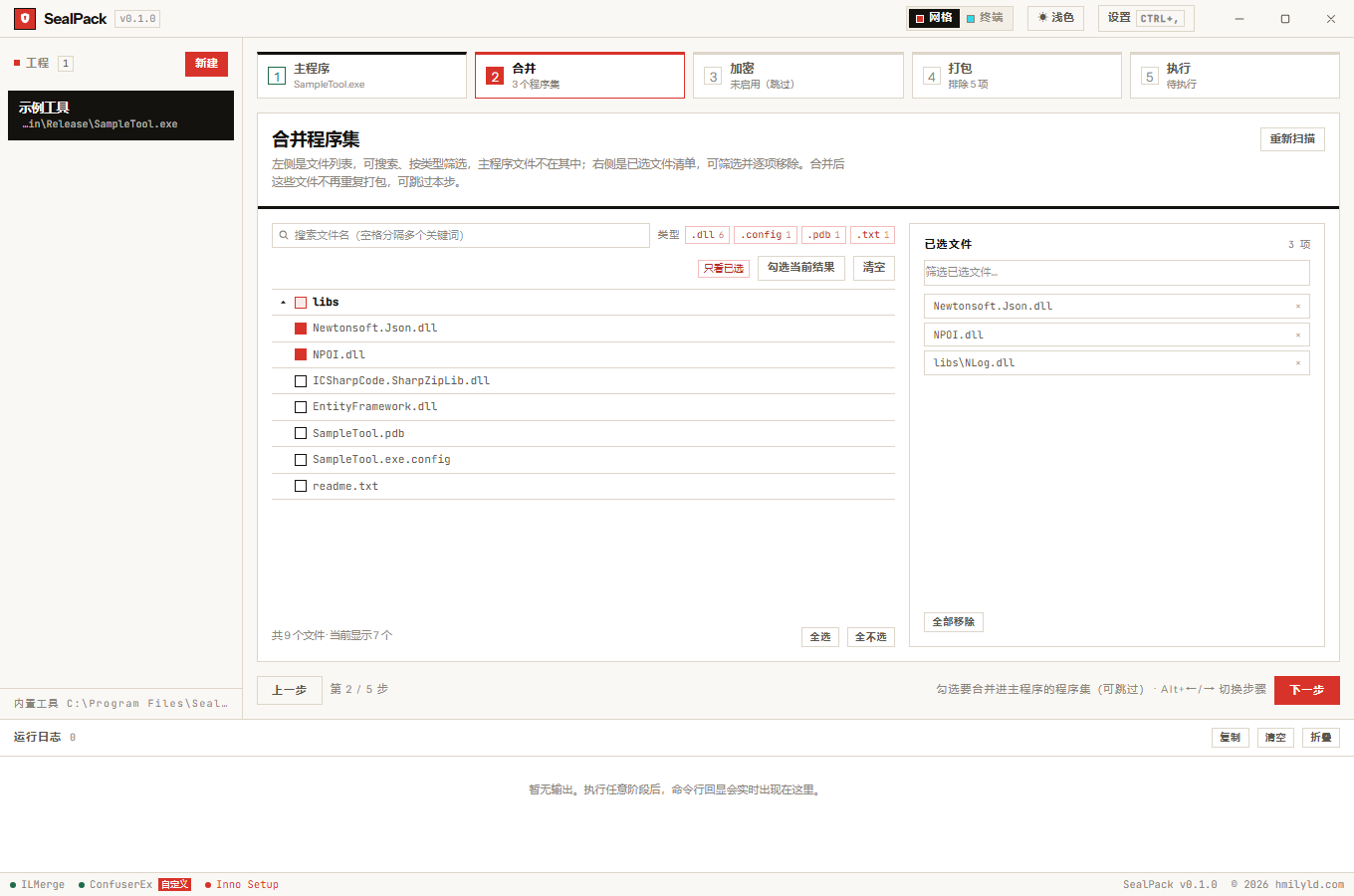
The three stages
| Stage | Tool | What it does | Output |
|---|---|---|---|
| ① Merge | ILMerge | Folds assemblies into the main executable | the rewritten .exe |
| ② Obfuscate | ConfuserEx | Renaming, encryption and anti-tamper protection | the rewritten .exe |
| ③ Package | Inno Setup | Builds the installer, with install password, full-package encryption and signing | Setup.exe plus a checksum list |
Any stage can be skipped: no assemblies checked means no merge, no protections enabled means no obfuscation, and packaging on its own is a valid run. When a stage fails the whole run stops and keeps its log — the later stages consume the earlier ones’ output, so carrying half-finished artifacts forward only produces harder-to-read errors.
What it deliberately does not do
- It does not reimplement obfuscation or encryption. Both have tools with a decade of history behind them; a fresh implementation would only be weaker and easier to target.
- It does not hard-code options into the UI. Every encrypt and packaging option is one declaration in
src/types.ts; the UI renders from it and the regression probe asserts from it. - It never lets templates diverge from the UI.
.crprojand.issare generated on the Rust side; the frontend only collects switches, the backend always computes the template.
Requirements
| Need | Notes |
|---|---|
| Windows 10 1809+ / Windows 11 | The app is Windows-only; window materials (Mica Alt) need Windows 11 |
| .NET Framework 4.8+ | ILMerge and ConfuserEx are .NET Framework programs; without it the merge and obfuscate stages are unavailable |
| WebView2 runtime | Ships with Windows 11; the installer pulls it in on Windows 10 |
Packaging is unaffected by a missing .NET — Inno Setup is a native program. The environment check surfaces its result as a banner at the top of the window, naming what is missing and which stages it affects, rather than failing later with an opaque error.